One of the worst cases I worked got harder before I ever touched the laptop. Someone wanted a forensic examination, but instead of having the device imaged properly, it was shut down and passed through many hands before it reached me. Whatever was in memory was gone, and the chain of custody was weak, which changed how I had to run the investigation.
It’s an easy mistake to make, and it’s the reason I wrote this. Mine was an internal investigation, not a breach, but the lesson carries over: what you do to a device in the first hour decides what anyone can prove later.
This is general guidance, not legal advice.
What the first hour is for
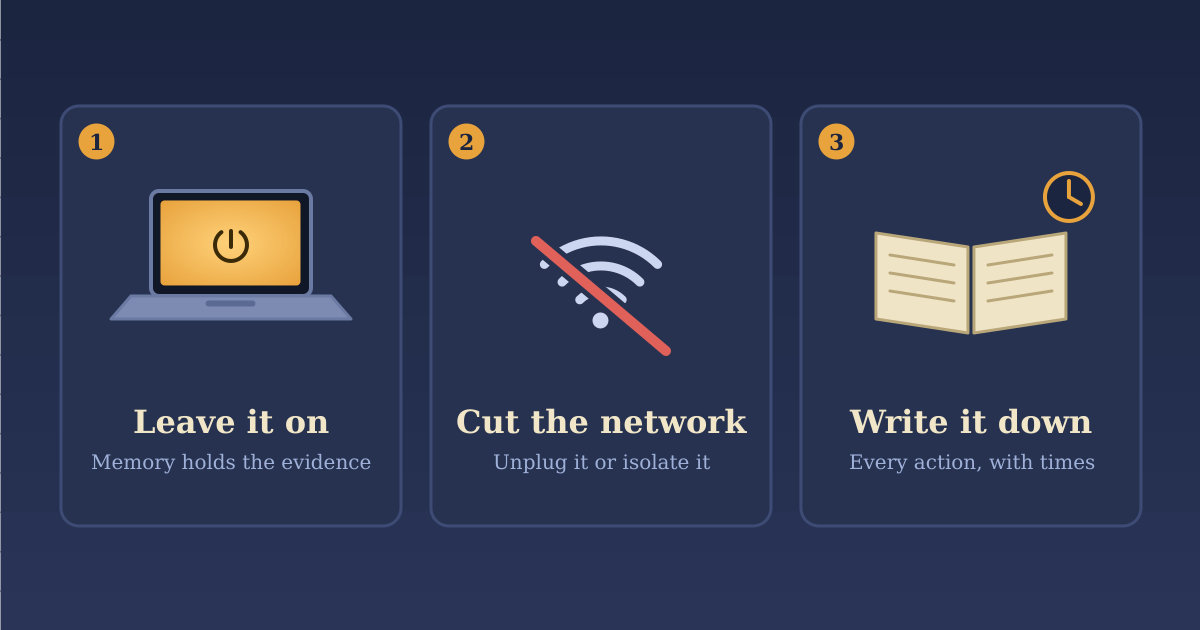
The hour has three jobs: stop the damage, keep the evidence, and write down what you do. You don’t need to know what happened to do any of them. The last one is the easiest to skip and the hardest to reconstruct afterward, so start a running log immediately: who noticed, what they saw, and every action you take, with the time.
If you’re unsure whether something is really an incident, treat it as one and call someone. A false alarm costs an hour. Waiting costs far more.
Leave it on
The instinct is to power the machine off. Resist it. A running computer holds things that vanish at shutdown: what’s running and who it’s talking to. If the disk is encrypted, a running machine also has the drive unlocked. Once it’s off, it may be unreadable without the recovery key, so find that key now.
Capturing a machine while it’s still on is faster, and it keeps the chain of custody short. That job belongs to a trained responder. Don’t try it yourself, because running tools on the machine changes the evidence.
What you can do is cut it off. If your security software has an “isolate” button, use it. If not, unplug the network cable and turn off Wi-Fi. Keep it plugged in and awake, and don’t log into it or run anything on it.
There is one exception. If ransomware is spreading and you can’t disconnect the machine, power it off. Stopping the damage matters more than the memory. CISA’s ransomware checklist says the same. Write down that you did, and when.
Fewer hands
This is what went wrong in my case. Every person who touches a device is someone who may have to explain, later, what they did to it. Photograph it, including its serial or asset tag. Put it somewhere locked, still plugged in and awake. Write down every handoff, then hand it once, to the person doing the examination. Don’t “secure” it by powering it off.
Make the calls while you contain
Do both at the same time. If you’re alone, spend the first few minutes stopping active harm, then start calling.
If money moved, such as a wire, a changed payment detail, or a gift card purchase, call your bank first and ask for a recall. Those windows are measured in hours.
If you have cyber insurance, use the claims number on your policy before you hire anyone. Policies differ, so ask three things:
-
Is the responder I plan to use approved, and do I need written approval before paid work begins?
-
Has formal notice been recorded? A hotline call may not count, so keep the acknowledgment and claim number.
-
Does my policy allow emergency work before approval? Some do. Don’t assume yours does.
Hiring a responder before you’ve checked can put reimbursement at risk. Never wait on the insurer to stop active harm.
Call a lawyer, who can advise on how to run the investigation so sensitive findings stay protected. Then bring in an incident response firm. If you’re insured, the carrier will often point you to one. With no policy and no lawyer, ask your IT provider, your bank, or your industry association for a referral. Look for a firm that can start today and will put its scope and rates in writing. Report the incident to the FBI’s IC3 (ic3.gov) or CISA.
When it isn’t a laptop
A server: Don’t disconnect it yourself unless it’s actively being damaged, because it may be running your business. Call whoever manages it now. If you can see files being encrypted, don’t wait for a callback.
An email or cloud account: From a different, clean device, change the password and sign out all active sessions. Then look for what attackers leave behind to get back in: forwarding rules, unfamiliar MFA devices, changed recovery email or phone numbers, and connected apps you don’t recognize. Screenshot or export each one before you remove it, and write down the time. Removing them without a record erases evidence of how the attacker got in. Then warn your customers and vendors, because they’re usually the attacker’s next target.
Backups: At the same time, unplug any connected backup drives and change the passwords on cloud backup accounts. If the backups go, recovery goes. If a machine is actively encrypting files, isolate it first.
What not to touch
-
Don’t reboot, wipe, or reinstall affected machines.
-
Don’t delete suspicious emails, files, accounts, or logs.
-
Don’t run cleanup tools or restore backups into the affected environment.
-
Don’t open a suspicious attachment or link to see what it is.
-
Don’t announce a cause or say “no data was stolen” until there’s evidence.
-
Don’t contact the attacker or discuss payment.
Preservation doesn’t mean leaving an attacker active. Make targeted changes and write each one down.
Keep the story straight
Keep three lists: what you’ve confirmed, what you suspect, and what you don’t know. Don’t mix them. Find out which logs exist and how long they’re kept, because email and cloud logs can expire in as little as days or weeks, depending on the service and your plan. Breach notification deadlines range from days to months depending on your state, your industry, and your contracts, and customer contracts can be shorter than the law. Ask your lawyer which ones cover you.
Before it happens
-
Turn on logging in your email and cloud accounts, and keep the logs for months, not days.
-
Send logs somewhere an attacker can’t delete them.
-
Use multifactor authentication on email and admin accounts.
-
Keep at least one backup offline.
-
Know where your disk encryption recovery keys are (BitLocker, FileVault), and keep a copy off the device.
-
Write down who you’d call, including the insurer’s claims number, and keep a copy off your network.
A card to keep
-
If money moved, call your bank first.
-
Stop active damage: isolate the device, but leave it on. The exception is spreading ransomware you can’t disconnect.
-
If you have cyber insurance, call the claims number before hiring anyone.
-
Don’t wipe, reboot, delete, or pass the device around.
-
Write down everything you do, with times.
When a responder picks up, have ready: when it started and what was seen, which systems and accounts are affected, whether anything is still happening, every action you’ve taken, where the evidence is and who has handled it, and who can approve decisions.
Your instincts in the first hour will push you to act fast. Stop the damage, write down what you do, and keep the device in as few hands as possible.
Further reading: CISA Ransomware Response Checklist and the #StopRansomware Guide. CISA’s guides cover ransomware response. The insurer and legal steps are general guidance; policies differ, so check yours and your own counsel.